Activate Transcription in Teams Meeting Window
At any time during the meeting, you can enable Meeting Insights to transcribe all speech spoken by the participants into text.
|
●
|
Only the Owner (or co-organizers) of the meeting recording can enable transcription. |
|
●
|
For managing the transcription after the meeting recording, see Transcription. |
|
➢
|
To enable transcription: |
|
1.
|
On the toolbar of Meeting Insights side panel, click the Activate Transcription icon: |
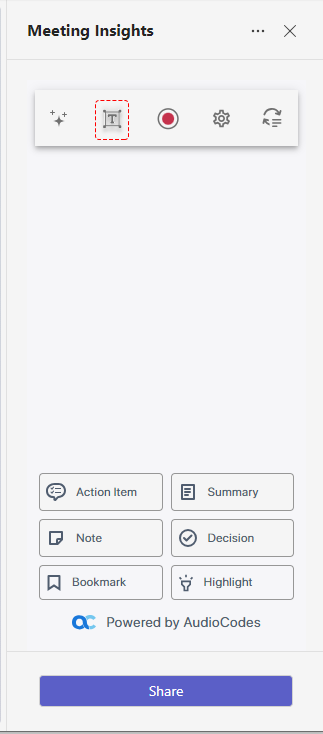
The icon is displayed with a blue tick, indicating that transcription has been activated.
|
2.
|
To stop transcription, click the icon again; the icon no longer appears with the blue tick and transcription is deactivated. |